Apple Music Selfie Sing in iOS 27.3: How to Record Karaoke Videos on iPhone
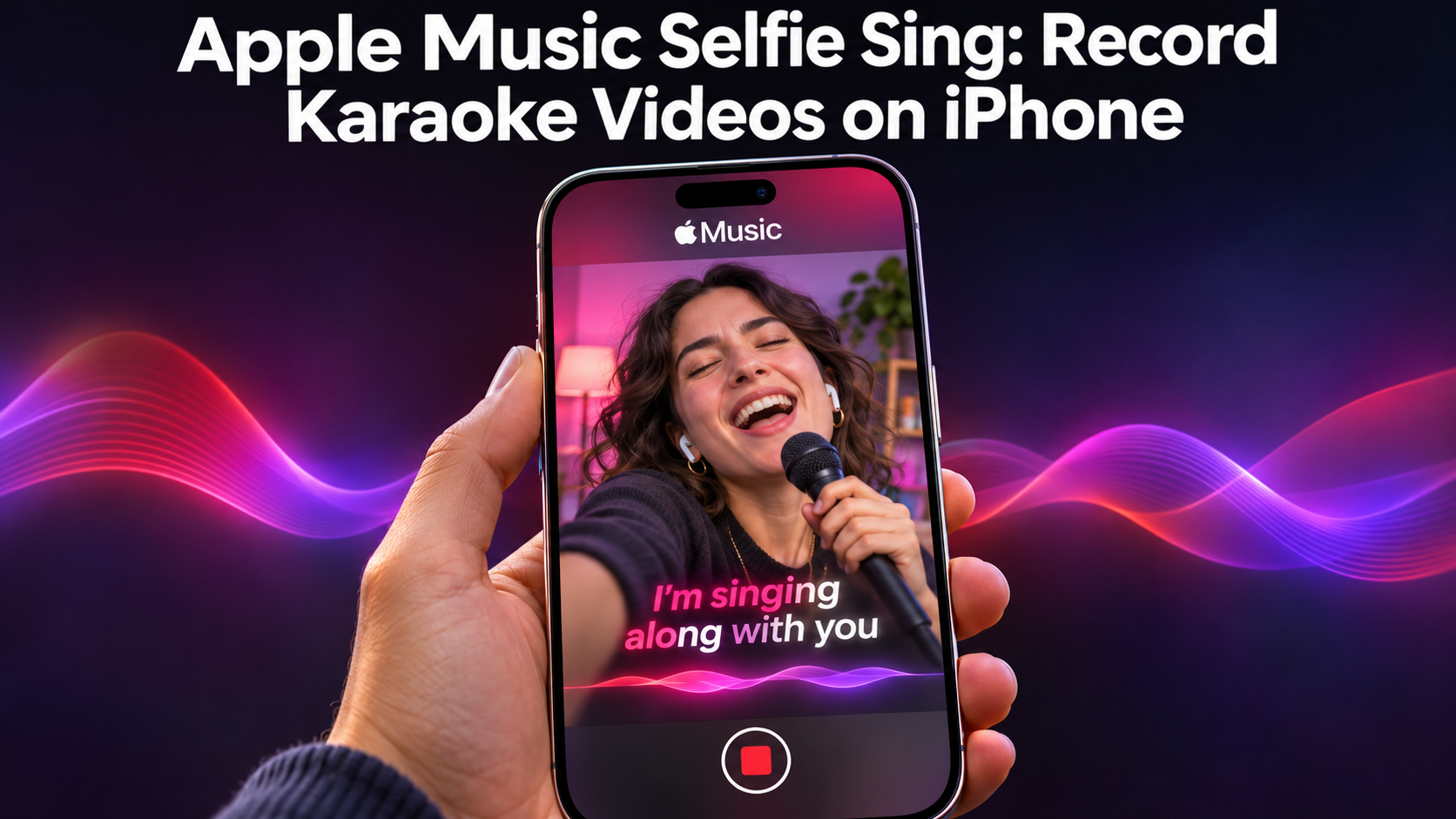
Apple Music is getting a karaoke video mode called Selfie Sing, which comes with iOS 27.3. It lets you record yourself singing along to on-screen lyrics, adjust how your voice sounds, and then save or share the clip. If you've ever wanted to turn a sing-along into a video without leaving the Music app, this is what it's for. MacRumors covered the feature on November 3, 2026.
There's a catch on timing, though. The Selfie Sing playlist already shows up on iPhones running iOS 27.2, but the camera option needs the iOS 27.3 beta for now. Here's how it works, what you can add to your recording, and what to check before you try it.
What is Selfie Sing in Apple Music?
Selfie Sing is a way to record a video of yourself singing a song from inside Apple Music. There's a dedicated Selfie Sing playlist, plus a selfie camera view that puts the lyrics on screen while you record. So you get a karaoke setup and a camera in the same place.
Apple's own description of the playlist keeps it simple: pick a favorite song, record a Selfie Sing, add mic effects to your voice, then save or share the video selfie. It also tells you to make sure you've updated to the latest iOS first, which matters here because of the version split below.
How to record a Selfie Sing video on iPhone
Starting is quick. Pick a song, then tap the camera icon. When you tap the red button, recording begins and the lyrics start to scroll, so you can follow along as you sing. The feature uses the front-facing selfie camera, so you'll want to hold your phone the way you would for a normal selfie video.
One small thing: Animoji isn't available for Selfie Sing. The person who posted a first-look video of the feature used one to avoid showing himself singing, but the feature itself doesn't offer it.
Freeing up space and moving your videos to a new phone
Karaoke clips are video, and video fills a phone quickly, especially if you record a few takes of the same song. A data organiser app can show you what's taking up room. Smart Transfer is one option: its Storage tool finds large files, duplicates and unnecessary content, and groups things like similar and blurred images, screenshots and downloads into folders. Free up storage before a recording session and you won't hit a full phone halfway through a song.
If you're switching phones, a data transfer app can carry your clips and everything else across. Smart Transfer's Clone tool moves pictures, videos, contacts, messages and apps between Android and iOS devices over Wi-Fi. Data transfer like that means a new device doesn't mean starting over, and Sms Transfer is part of it, since messages are included. Its Share tools handle File Transfer: Share Nearby sends files to people on the same Wi-Fi, and Share Remotely sends them across networks.
Voice effects you can add: Megaphone, Echo, Concert Hall and Studio
Once the song is finished, you get a chance to tweak your voice before you keep the video. You can change the volume of your vocals or add an effect. There are four to pick from: Megaphone, Echo, Concert Hall and Studio. If you're not thrilled with how you sounded, the volume control and these effects are your main tools for polishing the result.
Saving and sharing your video from the Photos library
When you're happy with the result, you can save the video to your Photos library or share it straight away. Saving it first is handy if you want to keep a copy before sending it anywhere. Since it lands in Photos like any other video, you can find it later alongside the rest of your clips.
Which iOS version and songs support Selfie Sing?
On the software side, there are two stages. The Selfie Sing playlist appears on iPhones running iOS 27.2, but the option to activate the front-facing camera is only on devices running the iOS 27.3 beta. If you can see the playlist but no camera icon, that's probably why.
Song choice is limited too. Not every Apple Music song has a Selfie Sing recording option. The playlist includes "Respect" by Aretha Franklin, "Girls Just Wanna Have Fun" by Cyndi Lauper, "Like a Virgin" by Madonna, "Wonderwall" by Oasis, "Hungry Like the Wolf" by Duran Duran and "Baby One More Time" by Britney Spears. Starting from that playlist is the safest way to find supported tracks.
If you're on iOS 27.2, open the Selfie Sing playlist now to see which songs are on offer, then wait for the iOS 27.3 camera option, or try the beta if you're comfortable with that. Check that your phone has room for a few video takes, pick a song with lyrics you actually know, and keep the volume and effect choices for the end, when you can hear the whole thing back.


Comments
Post a Comment