Galaxy XCover 7 Pro Gets Android 17 and One UI 9 in the US: What's New and How to Check
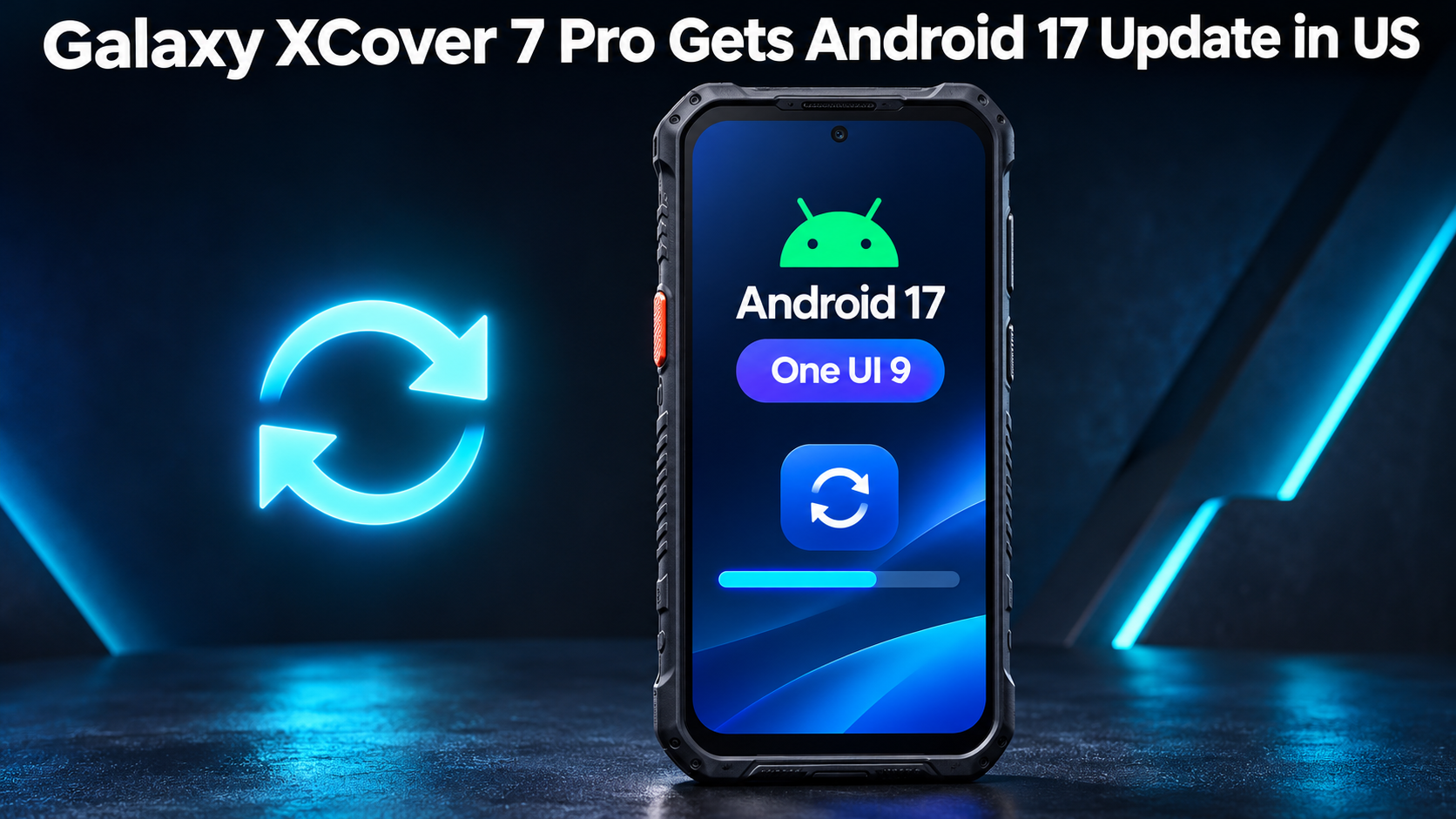
Samsung's rugged Galaxy XCover 7 Pro is next in line for One UI 9, the Android 17-based update that Samsung has been rolling out in the US. It has started reaching carrier-locked models, which matters if you carry this phone on a job site, in a warehouse or anywhere else a normal phone would struggle.
The phone launched with One UI 7 on Android 15, so this is a big jump in software. Below you'll find who gets it first, how to check for it, what actually changes day to day, and how long Samsung says the phone will stay secure.
Which Galaxy XCover 7 Pro models are getting the One UI 9 update
The update has begun rolling out to carrier-locked versions of the Galaxy XCover 7 Pro in the US. That's the group to watch first. If your phone came through a carrier, your odds of seeing the update now are better than someone's with a different kind of unit.
This isn't Samsung's first stop with One UI 9. The update was first rolled out in South Korea last month, and Samsung has since been expanding it in the US. SamMobile spotted the firmware for this release, which is version G766USQUADZJ7, so you can match that against what your phone shows once it's installed.
How to check for the Android 17 update on your XCover 7 Pro
Checking takes less than a minute. Open Settings, tap Software update, then tap Check for updates. If the update has reached your phone, it will offer to download it there. If it says you're up to date, that doesn't mean anything is wrong. Rollouts usually arrive in waves, so it may simply not be your turn yet.
A little preparation helps before you start. Plug the phone in or make sure the battery is well charged, and connect to Wi-Fi so a big download doesn't eat into your mobile data. Then check again in a few days rather than refreshing every hour.
What's new in One UI 9: Quick Settings, location privacy indicator and Warranty and care
The first change you'll probably notice is in Quick Settings. One UI 9 gives you more ways to customize it, so you can arrange your quick controls the way you actually use them. If you reach for the same few toggles all day, that's a small but welcome saving of taps.
Privacy gets a nudge too. Samsung added a location privacy indicator that gives you a clearer visual signal when an app is accessing your device's location. For people who hand a work phone around or install a lot of apps, that's an easy way to see what's up.
There's also a new Warranty and care section in Settings. It's a dedicated spot for finding support information about your device, which is handy when you need help and don't want to hunt around for it.
Backing up and moving your phone data around an update
Big software updates usually install without drama, but plenty of people still like to have their stuff safe first. Others are moving from an older phone onto an XCover 7 Pro altogether. If you need to move phone data between devices, one option is Smart Transfer, an app for Android and iPhone. Its Clone tool moves pictures, videos, contacts, messages, apps and more over Wi-Fi between Android and iOS phones and tablets. Data transfer that way doesn't mean starting over, so it suits the moment you think, copy my phone data across, please. Since messages are part of what it handles, Sms Transfer comes along with the rest.
The same app has other tools. Its Share feature covers File Transfer to people on the same Wi-Fi with Share Nearby, or across networks, including to other countries, with Share Remotely. Because it runs on both platforms, it can also serve as a route for iOS file sharing with friends or colleagues on iPhones. There's also a Backup and Restore tool for contacts and bookmarks, which is a small safety net before any big update. If you want to move phone data another way, built-in options exist too, so pick whichever you find easiest.
App upgrades in Samsung Notes and Samsung DeX
Samsung Notes gets upgrades meant to make working with your notes more convenient. If you jot down measurements, job details or reminders on the phone, that's the kind of improvement you'll feel without having to learn anything new.
Samsung DeX gets new features as well. DeX is Samsung's way of giving the phone a desktop-style experience when you connect it to a bigger screen, which suits people who use their phone as a work tool. The details of the new features aren't spelled out here, so open the apps after updating and see what's changed.
How long the XCover 7 Pro will keep getting updates
Samsung has committed to seven years of security updates for the XCover 7 Pro. For a phone built to last through drops, dust and long shifts, that's reassuring, and it's a real point in its favor for businesses that plan to keep hardware for years instead of swapping it out after a couple.
Security patches aren't the same thing as new Android versions, though. This update moves you from Android 15 to Android 17, and Samsung's seven-year promise is about security updates specifically. If you manage a fleet of these phones, it's worth planning around that distinction.
If you own a carrier-locked XCover 7 Pro, go to Settings, then Software update, and check now. If nothing shows up yet, wait a few days and try again. Once it lands, spend a few minutes in Quick Settings and the new Warranty and care section so the update works for you from day one.


Comments
Post a Comment