iOS 27.3 Public Beta: What's New in Safari, Siri AI and Health, and How to Install It
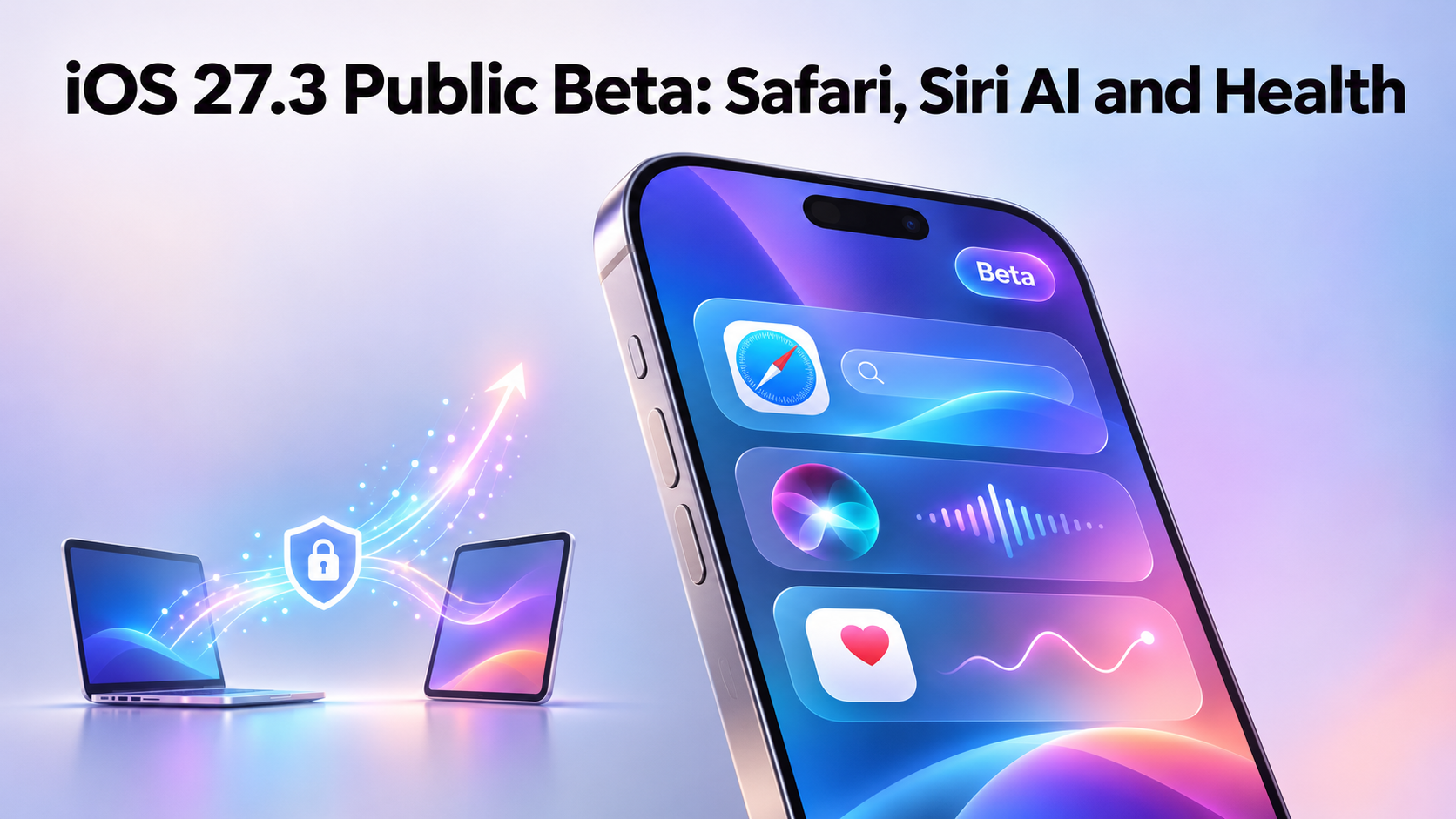
Apple has released the first public betas of iOS 27.3, iPadOS 27.3 and macOS Golden Gate 27.3. They were seeded on Thursday, November 5, 2026, two days after the developer betas. It matters because this round brings Safari changes, a more capable Siri AI and a redesigned Health app, and anyone willing to run pre-release software can try it for free. Apple also seeded first betas of tvOS 27.3 and watchOS 27.3.
There's no confirmed release date yet. MacRumors expects the updates to arrive in December, but that's an expectation rather than something Apple has announced. For context, iOS 27.2 shipped on Monday, October 26, 2026, so this beta cycle is starting soon after.
What's new in the iOS 27.3 public beta
On the iPhone, Safari gets a Vertical Tabs layout option and Adaptive Dark Mode. The redesigned Health app is now available, with custom Insights and Longevity information. Apple Music picks up a new feature called Selfie Sing. The iPhone Duo now supports Reachability, and StandBy changes arrive on iPhones that aren't the Duo.
The Siri AI side of things is covered below, but the short version is that it can do more inside Apple's apps and across them. If you mainly want a quick sense of whether this beta is worth your time, Safari, Health and Siri AI are the headline areas.
Safari and Siri AI changes in iOS 27.3 and macOS 27.3
On the Mac, Safari in macOS 27.3 has the same additions as the iPhone version: Vertical Tabs and Adaptive Dark Mode for websites. 9to5Mac also notes that you can organize and manage tabs using Siri AI. Siri AI can now handle more complex actions in Messages, Music, Calendar, Photos and Reminders, and it can manage files and folders. Developers can create actions for Siri to carry out, and Apple is introducing tools that use Markdown-based instructions so the assistant can coordinate multistep actions across apps.
macOS 27.3 adds more besides. Siri AI expands to four more languages: Traditional Chinese, Norwegian, Turkish and Vietnamese. Quick Look now renders Markdown natively, so .md files preview with proper formatting instead of raw syntax. Macs without a Dynamic Island get Live Activities, and there's a new screensaver called Pro Lighteensaver, with light moving along metallic-looking lines that form the word "PRO".
Back up and move your data before installing a beta
Before you put any beta on a phone you rely on, it's worth making sure your photos, contacts and messages exist somewhere else. Some people prefer to test on a spare device, which raises the question of how to get your stuff onto it in the first place. Apple's own tools cover a lot of this, and third-party apps are another option.
Smart Transfer is one of those options. It's a phone data management app for Android and iPhone, and its Clone tool moves pictures, videos, contacts, messages, apps and more between Android and iOS devices over Wi-Fi. That makes it a wifi content transfer route, and it can handle Sms Transfer of your messages as part of a wider Data transfer to a new or spare device. Its Share Remotely feature sends files across networks, including to other countries, which works as an anywhere file transfer option, while Share Nearby handles File Transfer to people on the same Wi-Fi. If you're hunting for a whatsapp backup transfer tool, note that the app's Storage section groups WhatsApp media into its own folder, and a Backup and Restore tool covers contacts and bookmarks. For a plain wifi content transfer between two phones, Clone is the relevant piece.
Apple Watch Live Rewind and Siri Recap
On the Apple Watch Series 12 and Apple Watch Ultra 4, two Audio Intelligence features are available for testing. Live Rewind creates a transcript of the last 15 seconds of speech, handy when you miss what someone just said. Siri Recap gives you a high-level summary of conversations throughout the day.
Both are limited to those two watch models in this beta, so if you wear an older Apple Watch you won't see them.
iCloud public link checks in macOS 27.3
Apple confirmed earlier this week that macOS 27.3 introduces checks for potentially harmful content shared through public iCloud links. Files and photos shared with the "Anyone with the link" option will be checked. Apple may remove flagged content or take action against violating accounts.
For most people this changes nothing day to day. But if you often share things with open links, it's a good moment to think about whether a link limited to specific people would suit you better.
How to install the iOS 27.3 public beta
The public beta program is free. You sign up on Apple's beta testing website, beta.apple.com, then install the beta through Software Update in the Settings app on each device you want to test on. That applies to your iPhone and iPad alike, and you'll need to repeat the process on every device.
On the Mac, the macOS 27.3 public beta 1 build is 26C5035r, the same as the developer build. If something looks different from what you read here, check that build number first.
If you do try 27.3, start with Safari's Vertical Tabs and Siri AI's expanded actions, since those are the changes you're most likely to notice early. Keep a copy of your important data somewhere safe first, and check back for Apple's official release announcement.


Comments
Post a Comment