One UI 9.5 Early Builds Show Samsung Calendar Redesign and Mindful Note in Samsung Health
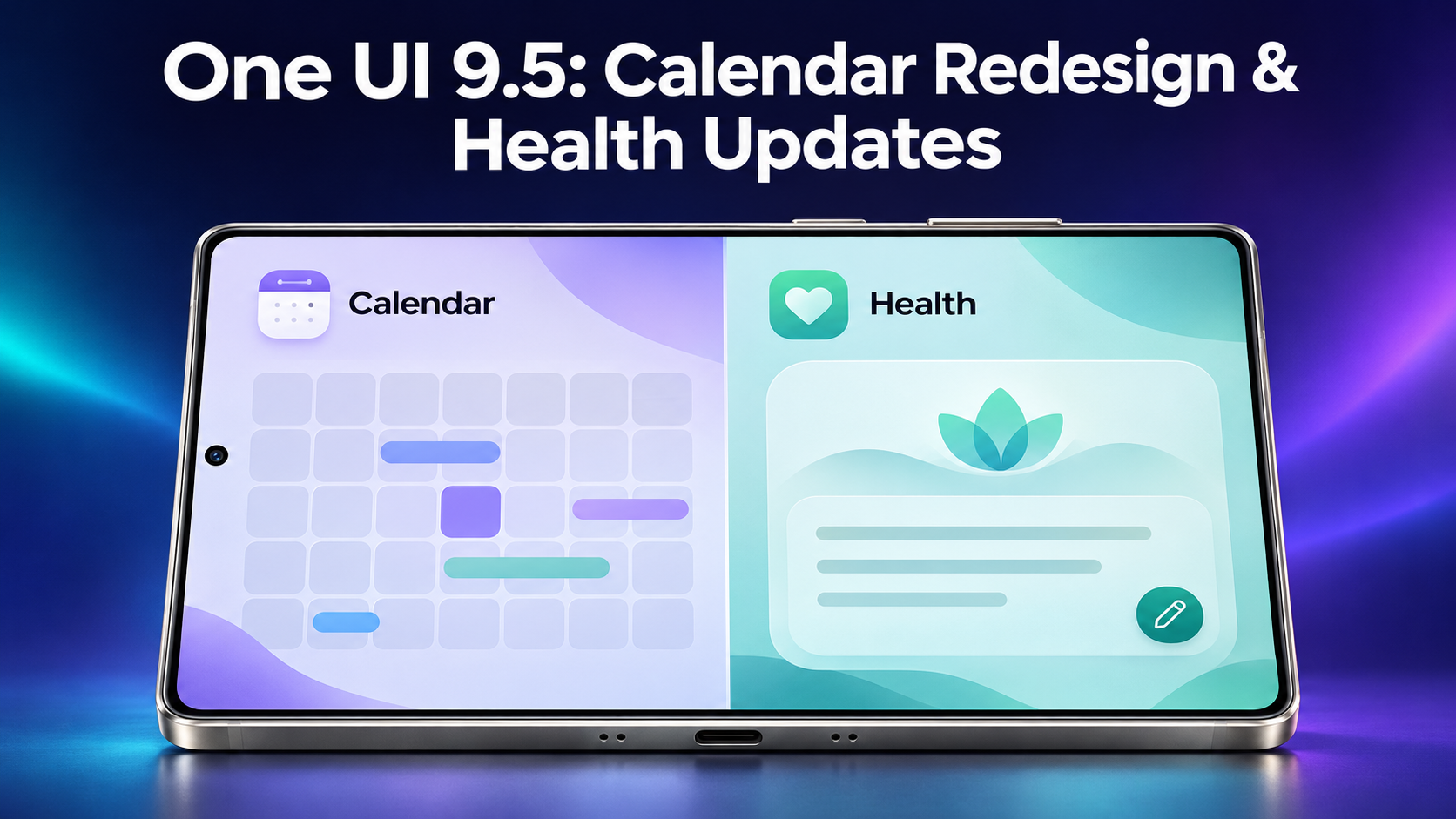
Early One UI 9.5 test builds point to a cleaner Samsung Calendar and a new journaling feature in Samsung Health called Mindful note. All of it comes from prerelease software, including an early beta build for the Galaxy S26 Ultra that was spotted on a test server, so none of it is final. It matters because Samsung hasn't detailed what One UI 9.5 will bring, which makes leaks like this the only real clues for now.
SamMobile highlighted the changes, and we'll go through each one below. You'll get what the builds appear to show, what that could mean for everyday use, and how much weight to put on it before Samsung says anything official.
What the One UI 9.5 test builds show so far
One UI 9.5 is described as Samsung's second Android 17-based update. That's a bit odd to think about, because the One UI 9 rollout is still underway while One UI 9.5 is already in development. Samsung hasn't said what's coming, so the early beta build on the test server is where these details came from.
The two apps that stand out are Samsung Calendar and Samsung Health. Calendar looks set for a visual cleanup and some layout shuffling, while Health picks up a brand new journaling tool. Samsung Health also shows some UI changes beyond Mindful note, though the details on those are thin.
Samsung Calendar's new grid-free look and layout changes
The biggest visual change is that Calendar in the test builds drops the individual rectangular backgrounds around each date. Instead, the dates float against a black background. Without those cell backgrounds, the boundaries between dates become much less obvious, but the view gains more room. If you like a busy, boxed-in month view, this could feel loose. If you prefer a lighter look, it might be a relief.
A couple of smaller tweaks come with it. The search button moves from the top right of the view to the bottom right, next to the Add event pill. That pill also now says only "Add event" and no longer refers to the date you've currently selected. Both changes keep the main actions in one spot near your thumb.
Moving to a new Galaxy phone without starting over
Early update chatter like this often gets people looking at a new phone, and then the same practical worry shows up: "I need to transfer my data without losing anything." There are several ways to do that, including cloud backups and the switching tools phone makers provide. Another option is Smart Transfer, an app for Android and iPhone whose Clone tool moves pictures, videos, contacts, messages, apps and more between Android and iOS devices over Wi-Fi. That covers Data transfer between phones and tablets, and the messages part works as an Sms Transfer. If you're coming from an iPhone, the iPhone app transfer side is included too, since apps are on the list.
The same app also has a Share section. Share Nearby sends pictures, videos, music and files to people on the same Wi-Fi, which suits easy file sharing with whoever is in the room. Share Remotely sends files across networks, including to other countries. For everyday File Transfer between devices, those two cover both cases. There's also a Storage tool that helps you find large files and duplicates, which can be handy to run before you move anything.
Key events and the reorganized Calendar sidebar
The Calendar search screen appears to gain a new Key events section. It reportedly shows important events as pill-shaped shortcuts, which would let you jump to the things that matter without typing a search. It sits above the existing calendar and color menus on that screen, so it's the first thing you'd see when you open search.
The sidebar also looks like it's being reorganized. Sync now, Recycle bin and Settings appear to move above the account list. That's a small change, but if you manage several accounts, it could mean less scrolling to reach the options you use most. The wording here is hedged because it's based on test builds, so treat the exact order as a likely direction rather than a finished design.
Mindful note: journaling arrives in Samsung Health
The most interesting addition might be Mindful note, a new in-app journaling feature in Samsung Health. It's meant to give you a place to reflect and "capture a moment, a feeling, or whatever comes to mind." That moves Health a little beyond numbers and trackers, toward something more personal.
You can start with a blank slate if you just want to write. If you'd like a nudge, there are prompts: About yourself, Relationships, Work and goals, and What if…? There's also an option to set reminders, so you can build a daily journaling habit. Whether that's useful will depend on how much you want a journal inside your health app rather than a separate notes app.
How reliable are these early One UI 9.5 details?
Not very, yet. The Calendar and Health changes were only spotted in prerelease software, and they might never make it out widely. If they do, they might look or work differently. Several details, such as the Key events shortcuts, the sidebar order and the removal of date backgrounds, are described with cautious wording like "reportedly" and "appears to", and that's the right way to read them.
There's also no release date, rollout schedule or device list for One UI 9.5 in what's been found, so there's nothing to plan around. If you're on One UI 9, your best move is to wait for Samsung's own announcement. Treat this as a preview of the direction Calendar and Health may be heading, and don't change your plans over it.
For now, these are early glimpses and not promises. Check back when Samsung shares its own plans for One UI 9.5.


Comments
Post a Comment